
Home Technology Guide
Mesh Wi-Fi, Extender, or New Router? A Home Coverage Decision Guide
Before buying more hardware, identify whether the real problem is the internet connection, router placement, radio coverage, device capacity, or configuration. Then choose the smallest fix that addresses it.
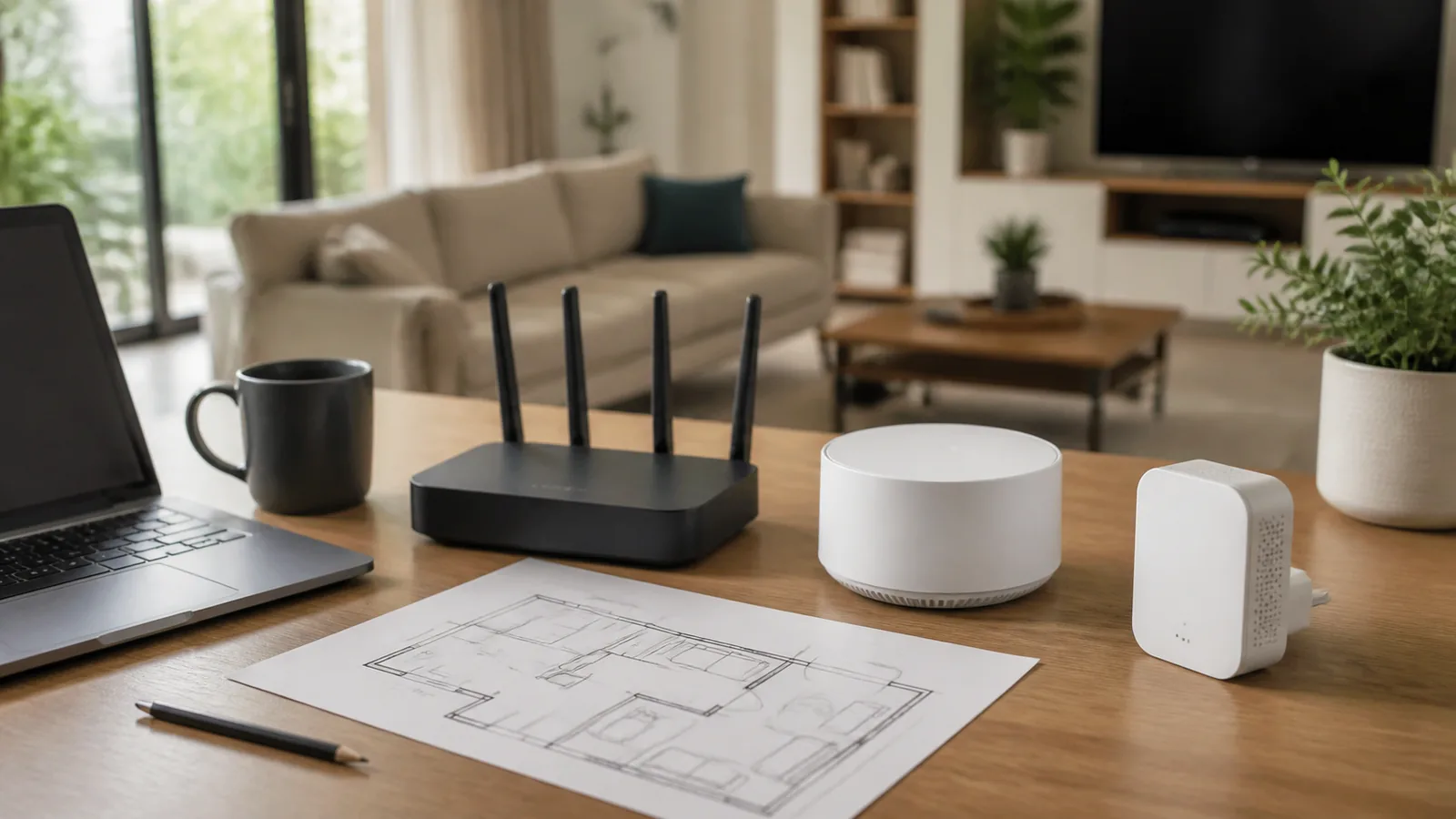
A slow video call in one bedroom does not automatically mean you need a faster internet plan. The same symptom can come from weak coverage, a congested radio channel, poor router placement, old client hardware, a busy household, or a failing broadband connection. Buying a mesh system before isolating the problem can add cost and complexity without fixing the bottleneck.
Start with three controlled checks
- Test near the main router. Use the same modern device in the same room as the router. If performance is poor there, coverage is probably not the first problem.
- Test the problem room. Repeat at the location where calls, streaming, or downloads fail. A large drop suggests a placement or coverage issue.
- Compare at a quiet time. Pause large backups, game downloads, and cloud sync. If the problem disappears, capacity or internet-plan congestion may be more important than range.
Do not treat one speed-test number as a diagnosis. Check whether the issue affects one device or many, one room or the entire home, and wireless connections or wired connections too. Record the time and location. A five-minute map of symptoms is more useful than a box chosen from a “best router” list.
The short decision table
| Option | Best fit | Main tradeoff | Check first |
|---|---|---|---|
| Reposition or reconfigure | Coverage is uneven but existing hardware is current | May not solve capacity limits | Central, open placement and updated firmware |
| Wi-Fi extender | One modest dead zone and a limited budget | Placement and roaming can be less seamless | It can receive a strong signal where installed |
| Mesh Wi-Fi | Multiple rooms or floors need coordinated coverage | Higher cost and ecosystem compatibility limits | Node placement, backhaul, and generation support |
| New router | Main router is old, unstable, or capacity-limited | One powerful router cannot defeat every wall | Client-device support and home layout |
Choose an extender for one contained gap
An extender can be a reasonable small fix when the main router works well and only one nearby area is weak. It must be placed where it still receives a solid signal; installing it inside the dead zone simply repeats a poor connection. A halfway location is often more useful than the farthest outlet.
Check how the extender handles network names, security modes, bands, and roaming. Some clients hold onto a weak access point longer than expected. If the extender creates a separate network name, household members may need to switch networks manually. If it shares a name, consistent security settings become important. An extender is less attractive when several floors or widely separated rooms need improvement.
Choose mesh for several coverage zones
A mesh system uses a main router and one or more coordinated points. It can simplify management and roaming across a larger home, but the nodes still need good links to each other. Google’s setup guidance tells users to place points in open locations, connect the primary unit to the modem, and run a mesh test after setup. That principle applies broadly: a node cannot create bandwidth it does not receive.
Compatibility is a real purchasing gate. Product families may not support every combination of generations or modes. Google, for example, documents limits among Nest Wifi Pro, Nest Wifi, and Google Wifi components. Verify the exact models, not just the ecosystem name. Also check whether wired Ethernet backhaul is available, how many Ethernet ports are needed, and whether advanced controls required by the household are supported.
Choose a new router when the center is the problem
A replacement router makes sense when performance is poor even nearby, the unit no longer receives security updates, it restarts or drops connections, it lacks capacity for current devices, or it cannot provide settings your network needs. First confirm that the modem or fiber gateway and the internet connection are healthy. A new router will not repair an upstream outage or an undersized service plan.
Match features to actual clients. Buying a new wireless generation has limited value if the important devices cannot use it, though newer hardware may still improve processing, radios, and update support. Consider Ethernet ports, parental controls, guest networking, update policy, and whether the router must operate behind an internet-provider gateway. Avoid paying for gaming labels or extreme maximum speeds without a use case.
Configuration can matter as much as hardware
Apple’s recommended router settings emphasize current firmware, a single network name across bands, consistent security settings, automatic channel selection, and exactly one DHCP server. Those are useful checks for mixed-device homes. Apple recommends WPA3 Personal where possible or transitional WPA2/WPA3 for compatibility, while avoiding obsolete security modes.
Double NAT can occur when both an internet-provider gateway and a second router perform address translation. It may not break ordinary browsing, but it can complicate gaming, remote access, port forwarding, and some device discovery. If you do not understand bridge mode or access-point mode, consult the provider and router documentation before changing it. Save the current settings and know how to restore them.
Placement rules before another purchase
- Move the main router toward the center of the occupied area when cabling allows.
- Keep it in the open and elevated, not inside a metal cabinet or behind a television.
- Avoid placing nodes next to large metal objects, thick masonry, aquariums, or appliances that block or interfere with radio signals.
- Use Ethernet for fixed high-demand devices when practical.
- Change one variable at a time, then repeat the same location test.
A practical purchase checklist
- Map weak rooms and identify whether one or many devices are affected.
- Verify wired and near-router performance before blaming Wi-Fi range.
- Update firmware and back up the current configuration.
- List required Ethernet ports, guest controls, security mode, and parental features.
- Check exact compatibility among the modem, gateway, router, nodes, and client devices.
- Plan node or extender locations with power and, when available, Ethernet.
- Buy from a seller with a clear return policy because wall materials and interference are home-specific.
Bottom line
Use an extender for one contained gap, mesh for several coordinated coverage zones, and a new router when the main unit itself is the bottleneck. Repositioning, firmware, consistent settings, or a wired connection may solve the problem for less. Diagnose first, choose the smallest credible fix, and validate it with the same device in the same locations.